
Key Takeaways
- A learning hub captures leads by offering in-depth downloadable resources in exchange for contact information, going beyond basic blogging to convert browsers into qualified leads.
- Most learning hubs fail because they offer surface-level content that doesn't justify requesting visitor details or ask for too much information in forms.
- Building effective hubs requires 40-60 hours per quality asset, costing £2,000–£15,000 ($2,500–$18,750) initially depending on your approach.
- Optimal lead capture forms request only email and first name, each additional field drops conversions by 15-20%.
- Expect 3-6 months to gain traction and 12-18 months for compounding effects as content accumulates and ranks.
"Why isn't my blog traffic converting into leads?" If you've asked yourself that recently, you're not alone.
You're publishing regularly. Traffic is growing. But your lead numbers don't match the effort, and it's not because your content is weak. Most blogs attract visitors but fail to convert them into contacts you can nurture.
In this guide, you'll learn how to build a learning hub, a system that transforms passive readers into qualified leads using downloadable resources your audience will gladly exchange their contact information for. By the end, you'll have a clear five-step process to capture and convert the traffic you've already worked hard to build.
This is for business owners and marketing teams who've built blog traffic but need a systematic way to turn that audience into customers.
What is a learning hub?
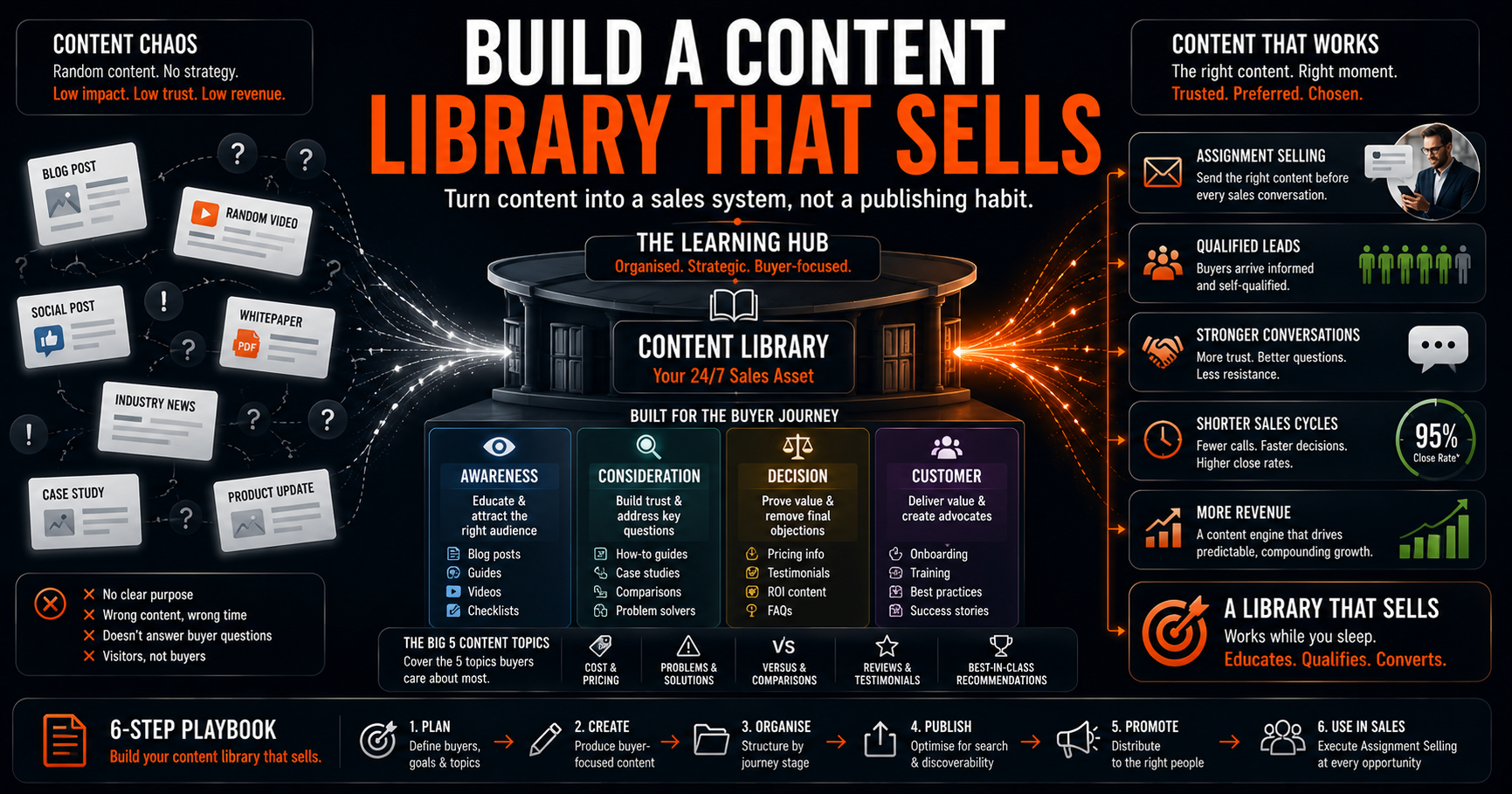
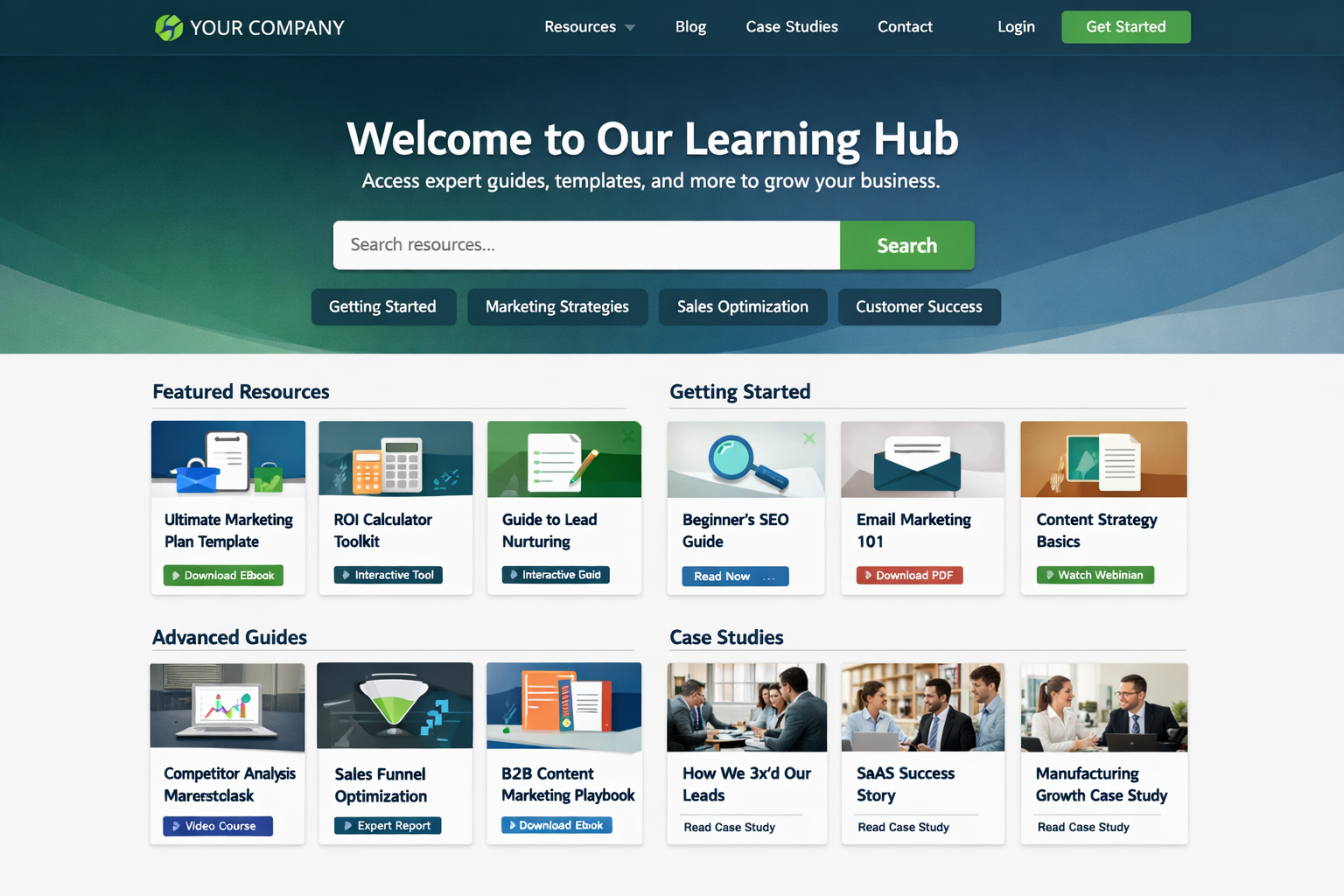
A learning hub is a centralised repository of in-depth content that captures leads by offering downloadable resources (eBooks, templates, guides) in exchange for contact information. Unlike blog posts that answer surface questions, hubs provide comprehensive resources worth gating behind a form.
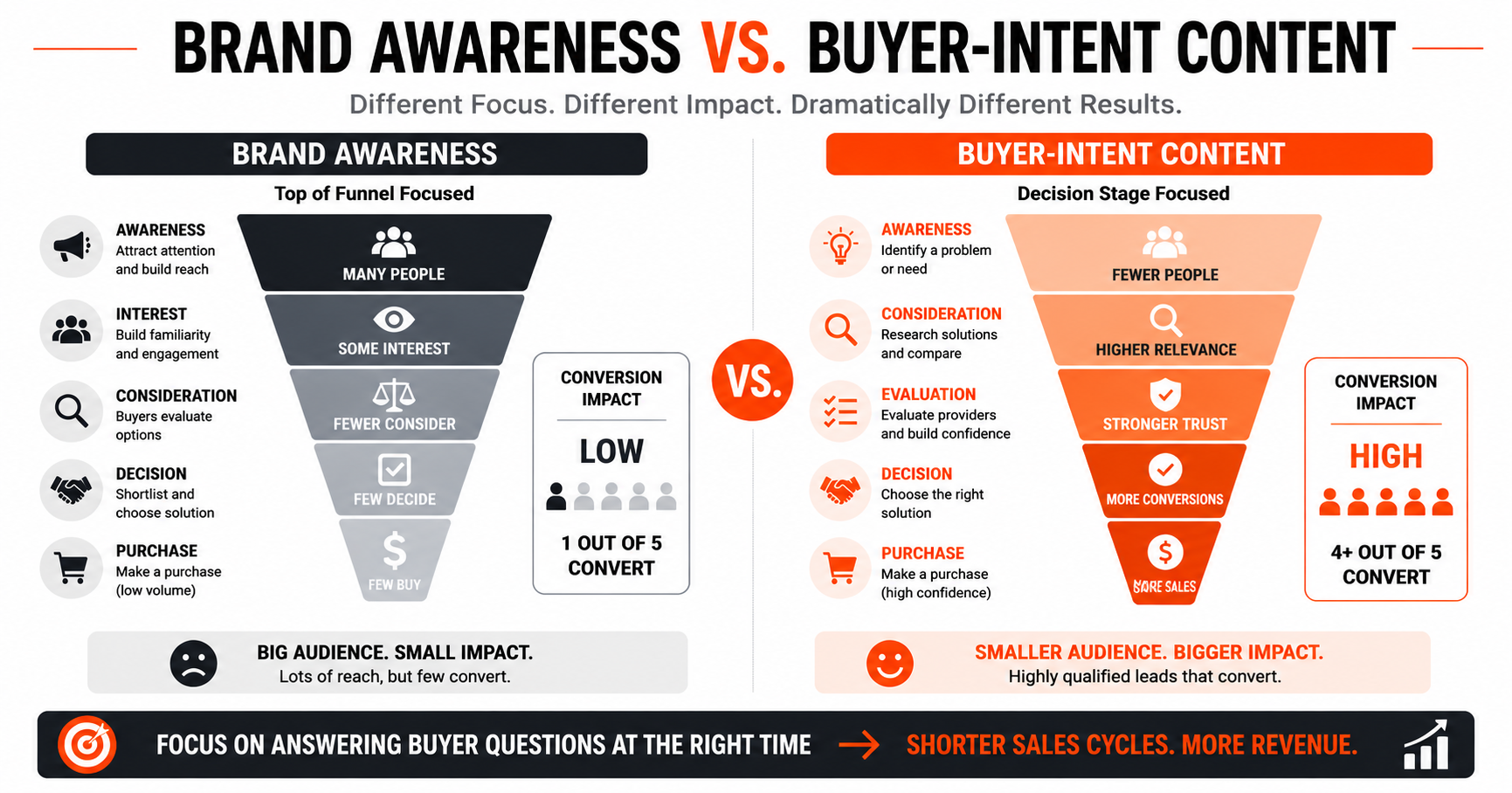
Blogs build awareness; learning hubs capture intent. A blog post explains "what marketing automation is" while a hub resource provides a complete implementation checklist. The most effective strategy uses both, ungated content attracts visitors, gated content qualifies them.
Effective hubs contain three elements: depth that justifies the exchange, organisation around buyer needs rather than product features, and diverse formats matching different learning styles. Your hub should feel like a resource library, not a product catalogue.
Why learning hubs fail (and how yours succeeds)
Most learning hubs fail because they prioritise quantity over value, offering surface-level content that doesn't justify asking for contact information. Three blog posts stapled together won't earn email addresses.
The two biggest problems are forms requesting too much information and content that doesn't complement existing blog topics or address specific buyer pain points. Many businesses create content in isolation rather than building on blog foundations.
The exchange must feel fair. Asking for email and first name for a substantial guide? Fair. Requesting company size, revenue, job title, and phone number for a two-page infographic? Your conversion rate just disappeared. Each extra form field drops conversions by 15-20%.
How Much Does a Learning Hub Cost to Build and Maintain?
Building a learning hub requires investment in content creation (40-60 hours per quality asset), technology infrastructure, and ongoing optimisation.
Here's a breakdown of typical costs and timelines by implementation approach:
| Approach | Initial Cost | Monthly Cost | Time to Results |
|---|---|---|---|
| DIY with team | £2,000–£5,000 ($2,500–$6,250) | £500–£1,000 ($625–$1,250) | 4-6 months |
| Agency partnership | £8,000–£15,000 ($10,000–$18,750) | £2,000–£4,000 ($2,500–$5,000) | 2-4 months |
| Freelancer + platform | £4,000–£8,000 ($5,000–$10,000) | £1,000–£2,000 ($1,250–$2,500) | 3-5 months |
Based on 2025 UK market rates for B2B businesses
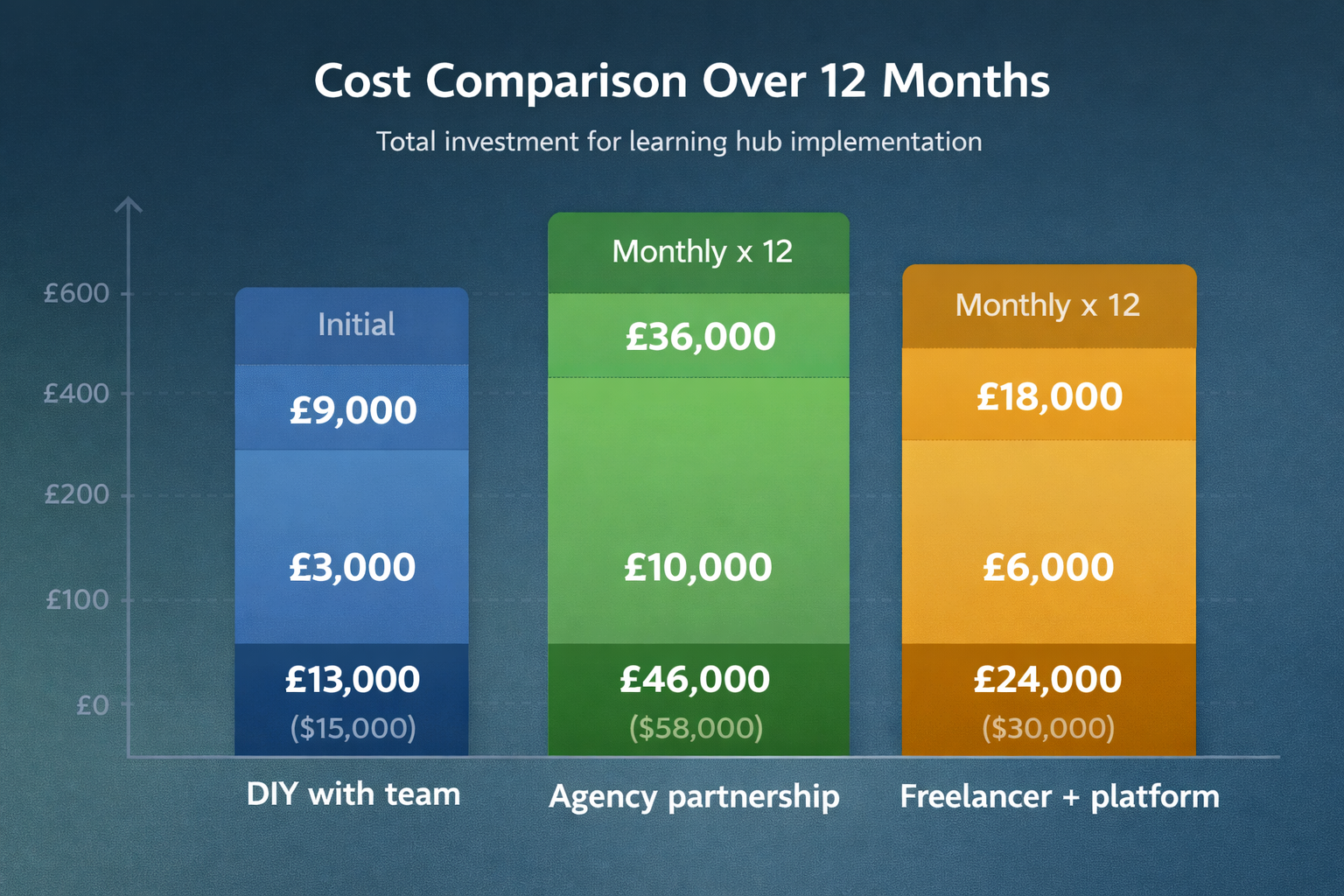
Platform costs range from £50–£500 ($62.50–$625) monthly depending on WordPress with plugins, HubSpot, or dedicated platforms like Kajabi.
Once you've scoped out the investment, the next question is: does this really convert better than what you're already doing?
Learning hub vs. blog: which converts better?
Learning hubs complement rather than replace blogs; blogs drive traffic while learning hubs capture leads. You need both working together.
| Factor | Blog | Learning Hub |
|---|---|---|
| Lead generation | Indirect | Direct |
| Traffic potential | High | Low |
| Conversion rate | 1-3% | 15-30% |
| Relationship depth | Surface | Deep |
What content types work best?
The seven highest-converting learning hub content types are:
- eBooks – comprehensive deep-dives on specific topics
- Whitepapers – research-backed authority pieces
- Case studies – proof of results with real examples
- Infographics – visual summaries of complex data
- Webinars – recorded educational sessions
- Product demos – hands-on walkthroughs
- Comprehensive guides – detailed how-to resources building on blog topics
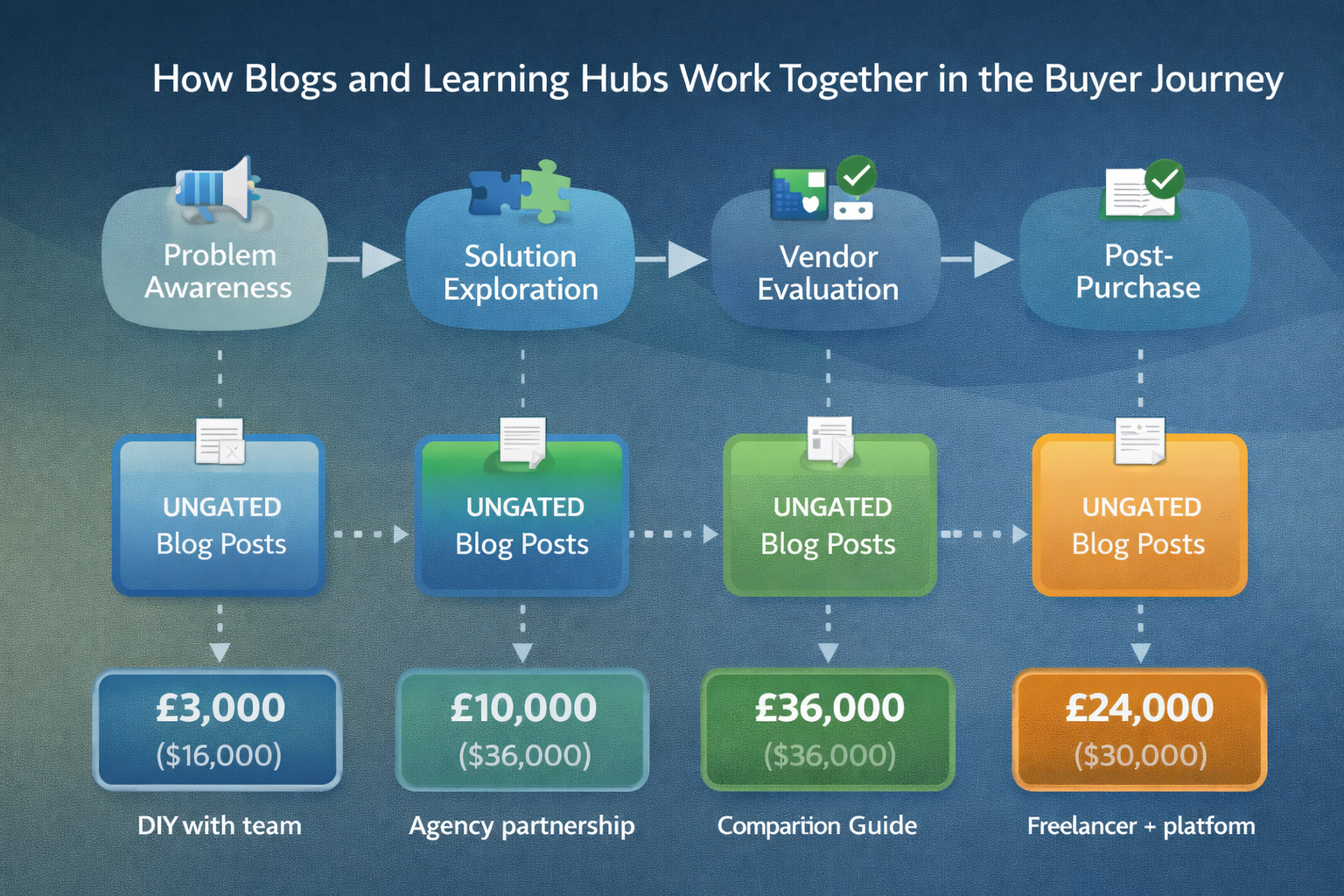
How to match content types to buyer journey stages
- Early stage (problem awareness): Research reports, industry guides, problem frameworks
- Middle stage (solution exploration): Comparison guides, buyer's guides, ROI calculators
- Late stage (vendor evaluation): Case studies, product demos, implementation templates
- Post-purchase: Onboarding guides, training videos, advanced resources
Effective learning hub content addresses 'Big 5' buyer questions; cost, problems, comparisons, reviews, and best practices, with depth that blog posts alone cannot provide.
Mix formats to serve different preferences: written guides (50%), templates (25%), video (15%), data reports (10%).
5 Steps to Build a Learning Hub That Converts
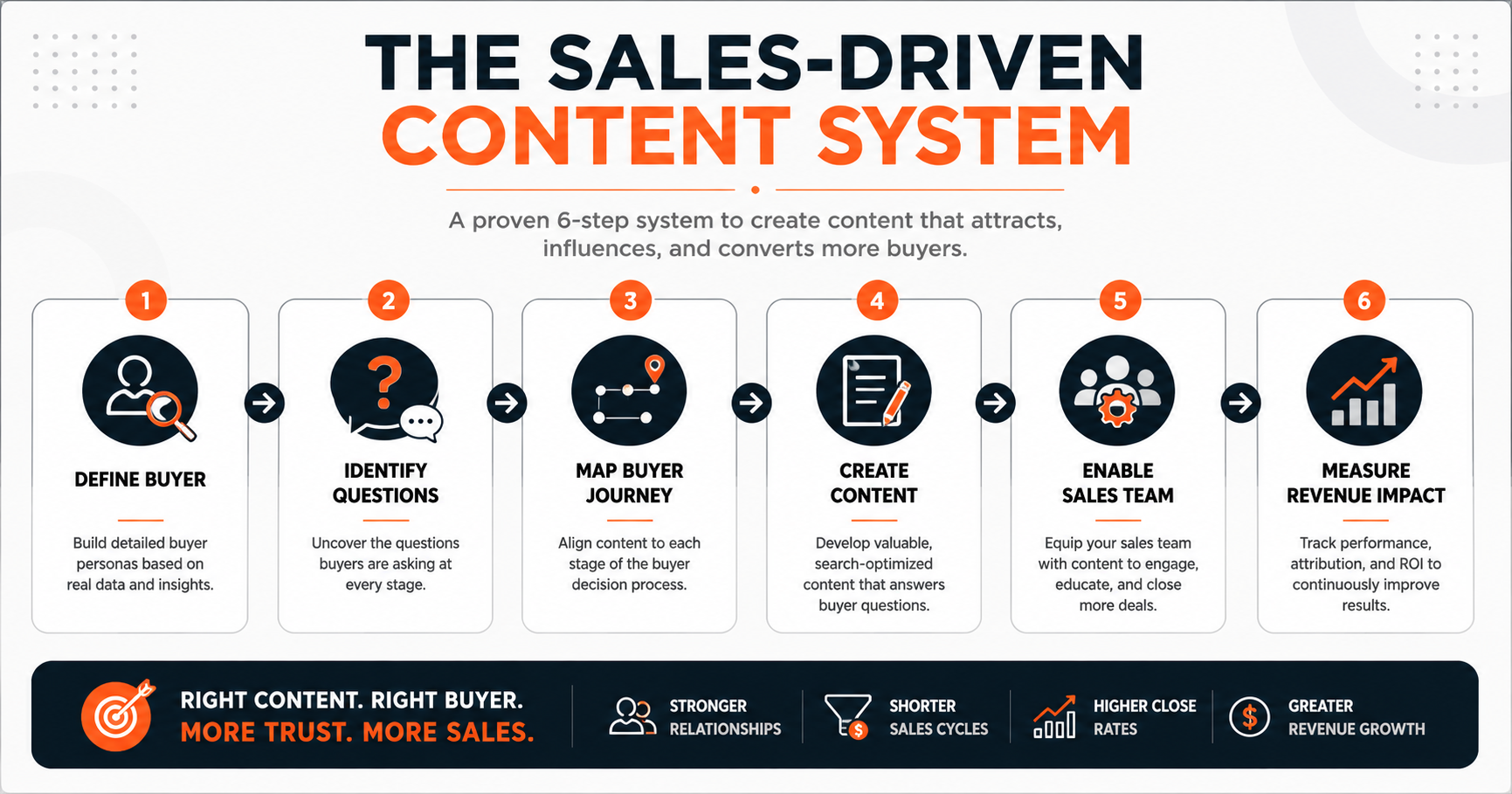
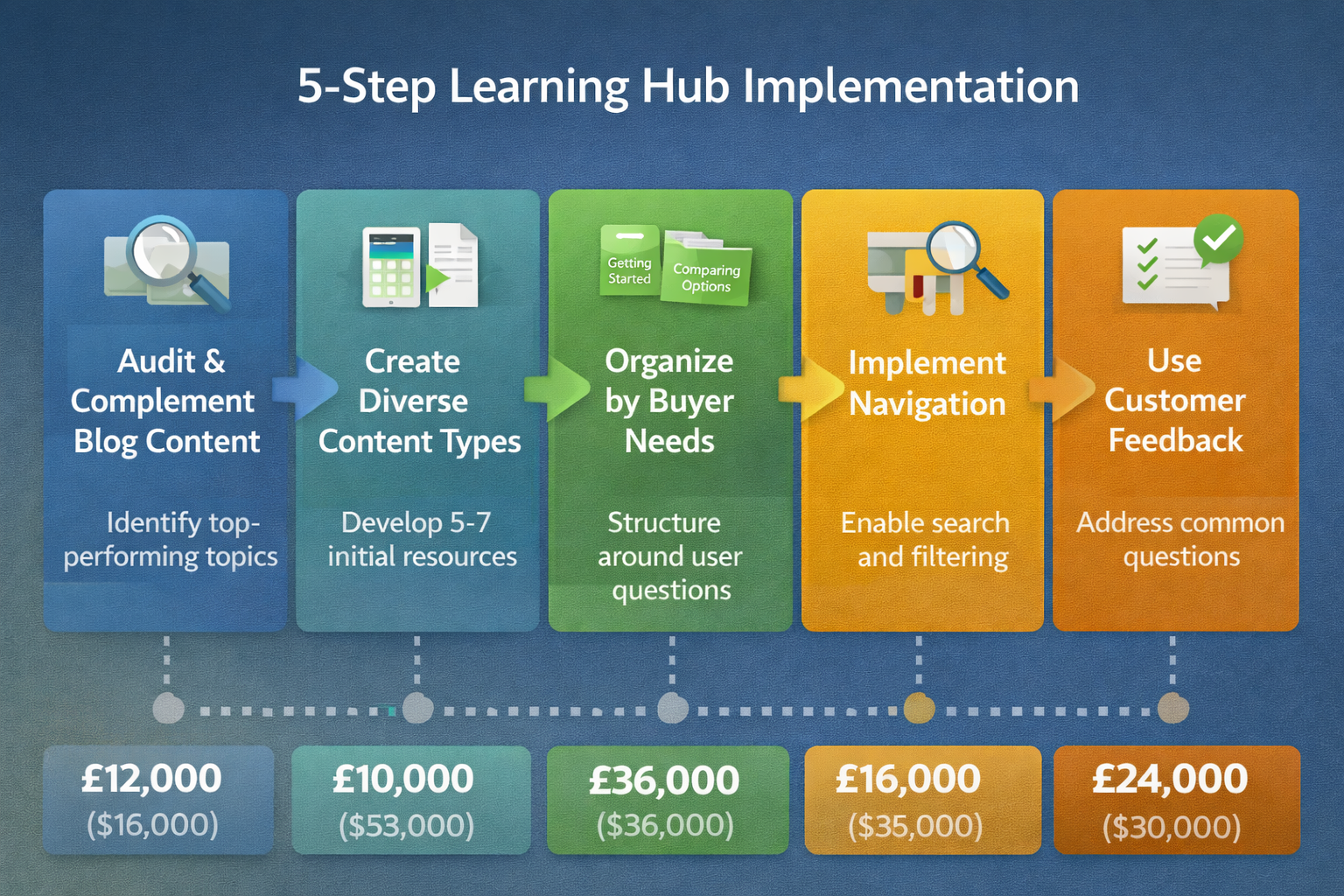
Building a conversion-focused hub follows five steps: complement existing content, diversify types, organise around outcomes, enhance experience, and leverage customer insights.
Step 1: Audit and complement blog content
Start by auditing your highest-performing blog posts and identifying which topics warrant deeper exploration through downloadable resources. Find posts with high traffic but low conversion; these represent topics needing more depth to drive action.
Step 2: Create diverse content types
Develop 5-7 cornerstone resources before launching. Prioritise quality; one excellent 30-page guide beats five mediocre 5-page PDFs.
Step 3: OrganiSe by buyer needs
Structure around buyer questions, not your features. Use categories like "Getting Started" and "Comparing Options" rather than "Product A" and "Product B."
Step 4: Implement navigation
Make content discoverable. Use clear categorisation, filtering, and search. If visitors can't find relevant resources within 30 seconds, they leave.
Step 5: Use customer feedback
Ask customers: "What question did you need answered before choosing us?" Then create content answering it.
How to Optimise Lead Capture Forms
The optimal form requests only email address and first name; conversion rates drop dramatically for each additional field. If you're new to lead magnets and capture strategies, start simple and test from there.
Copyblogger increased conversions by 400% by simplifying to email-only, proving less friction generates more leads.
Match form length to content value. 2-page checklist? Email only. 50-page guide? Email and first name. Test ruthlessly; removing one field often brings 30-40% more leads with negligible quality decline.
How long until you see results?
Learning hubs typically require 3-6 months to gain traction and 12-18 months for compounding effects.
Think of building a learning hub as planting seeds in a garden; initial growth appears slow, but consistent effort creates a thriving ecosystem that attracts and converts ideal customers.
-
Months 1-3: building and publishing.
-
Months 4-6: initial traction.
-
Months 7-12: momentum builds as content ranks higher and referrals increase.
Benchmark: expect 20-50 qualified leads monthly by month 6, growing to 100-200+ by month 12.
What metrics prove it's working?
Track traffic (visits), engagement (download rates), conversion (lead rate), and revenue (leads becoming customers).
| Metric | What to Track | Good Benchmark |
|---|---|---|
| Traffic | Monthly visitors | 500-2,000 (month 6) |
| Engagement | Downloads per visitor | 15-25% |
| Conversion | Visitor-to-lead rate | 10-20% |
| Revenue | Leads to customers | 5-15% |
The most critical indicator is lead quality and conversion rate, not total downloads. A hub generating 50 qualified leads monthly is more valuable than one generating 500 unqualified downloads. Track lead source in your CRM to calculate true ROI versus blog-only leads.
Frequently asked questions
Should all content be gated?
No. Gate only content providing enough value to justify the exchange. Offer some valuable resources ungated to build trust, then gate your most comprehensive materials. A good rule: if it took 20+ hours to create, gate it.
What if visitors won't share contact information?
This signals content doesn't provide enough value compared to what you're requesting. Either improve quality or reduce friction. Test ungating one resource to see if it builds enough trust to convert visitors on other offers.
How often should content be updated?
Review cornerstone content every 6-12 months. Update statistics, examples, and recommendations. Add "Last updated" dates to build credibility.
Can small businesses compete?
Yes. Win by going deeper on specific topics rather than broader. A specialist's 60-page guide on one topic outperforms generic content from larger competitors.
Do I need to rewrite my blog content for the learning hub?
No—but you should expand it significantly. Your existing blog posts serve as foundations, not finished products. Take your highest-performing posts and develop them into comprehensive resources with additional depth, examples, templates, or frameworks that justify the download. The blog version remains ungated; the expanded hub version earns the email address.
Moving from traffic to conversion
You started this article frustrated that blog traffic wasn't converting into leads. Now you understand how learning hubs bridge that gap by offering depth that justifies asking for contact information.
You've learned the five-step process to build a hub, the content types that convert best, and the metrics that prove it's working. The question isn't whether to build one; it's when you'll start.
Take action now
- Audit your top 10 posts and identify three topics worth expanding
- Choose one format to start (eBook, template, or case study)
- Set up simple lead capture using your existing platform
- Create your first cornerstone resource (commit 40-60 hours)
- Promote to your existing audience and measure results

About the author
Tom Wardman helps businesses build marketing systems that create trust and drive sustainable growth. Through The Endless Customers System™, he guides companies to transform their content, websites, and sales processes into lead-generation machines. His approach focuses on practical implementation over complicated theory—giving businesses the tools and knowledge to attract endless customers without agency dependence.
Pricing disclaimer: All GBP–USD price conversions are rounded estimates and correct at the time of publishing. Exchange rates fluctuate and figures should be treated as indicative only.
Topics: