Are you gating every guide, eBook, and webinar you produce and still finding the wrong buyers in your pipeline? Are the people who do fill in your forms low-intent, hard to convert, or simply not the right fit?
The problem is not what you are producing. It is where you are placing the gate.
This article is for B2B marketers and founder-led businesses who want to understand when content gating works, when it backfires, and what a smarter lead capture system looks like in practice.
You will leave with a practical framework covering how much to ask for, what makes a lead magnet worth gating, and how to structure a Learning Hub that earns leads instead of blocking them.
Key takeaways
- Content gating is not the problem; gating everything indiscriminately is.
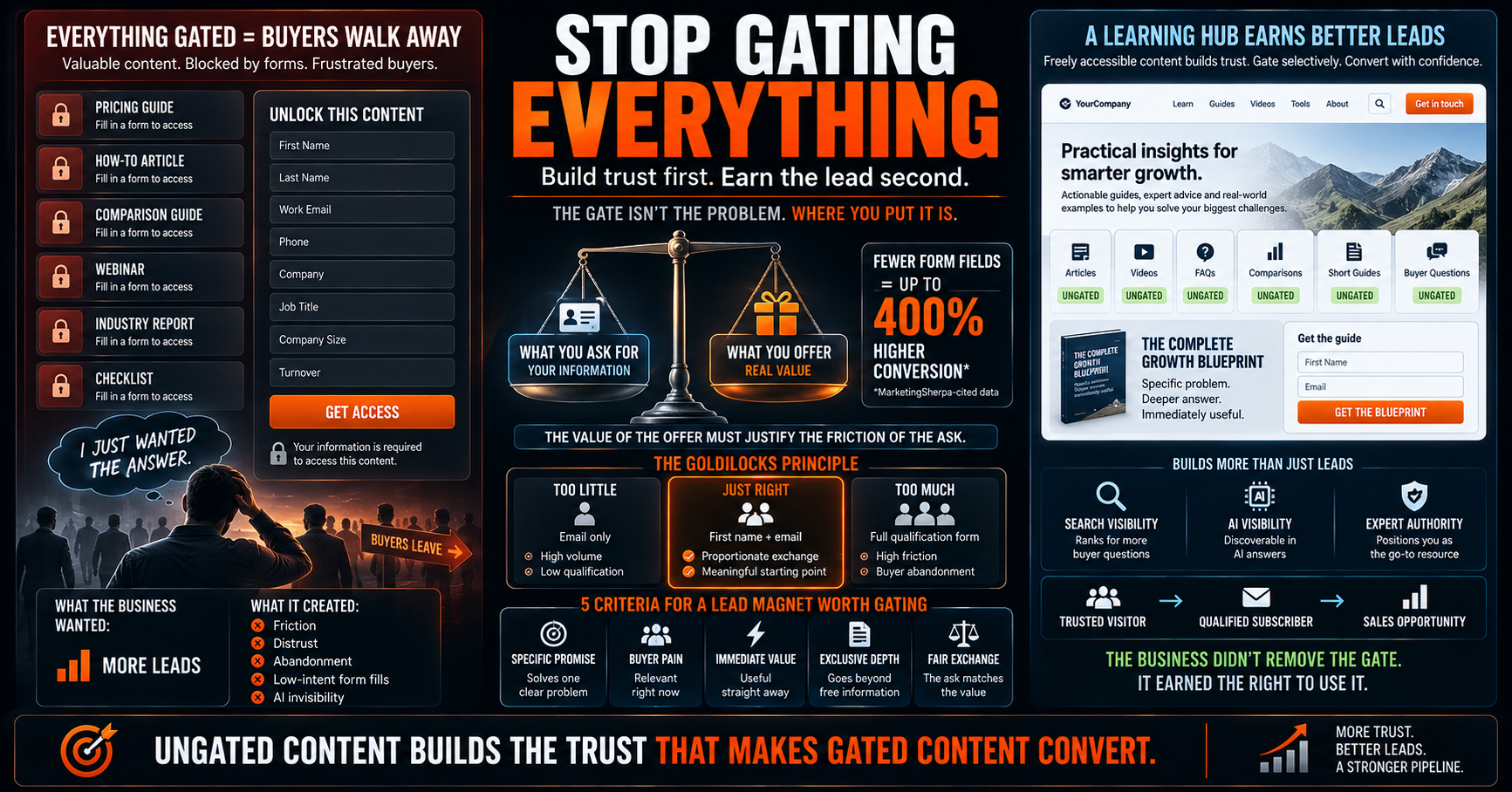
- Reducing form fields can increase conversions by up to 400%, according to data cited by MarketingSherpa.
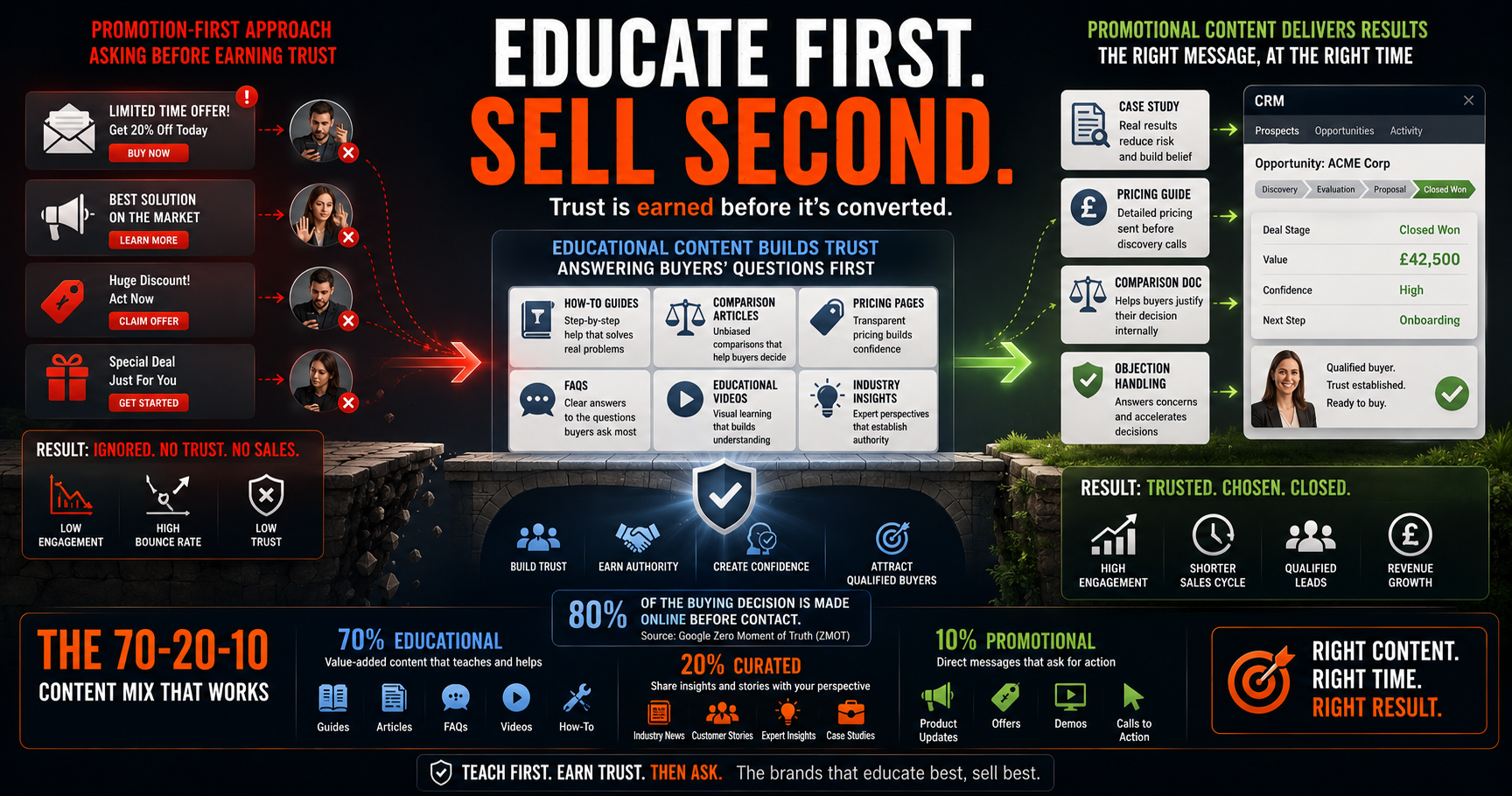
- Ungated content builds the trust that makes gated content convert; without it, a form is just a barrier.
- The best lead magnets solve a specific, urgent problem, where handing over an email address feels like an obvious trade.
- A Learning Hub combines freely accessible, trust-building content with selectively gated resources, converting browsers into qualified leads over time without forcing the issue.
What is content gating, and why do businesses use it?
Content gating is the practice of placing valuable digital content, such as guides, eBooks, webinars, or reports, behind a form that requires visitors to submit their contact details before gaining access.
Businesses use gating to build email lists, qualify prospects, and create a natural exchange of value. Done selectively, it works. The problem is not the concept itself; it is the over-application of it to every piece of content a business produces.
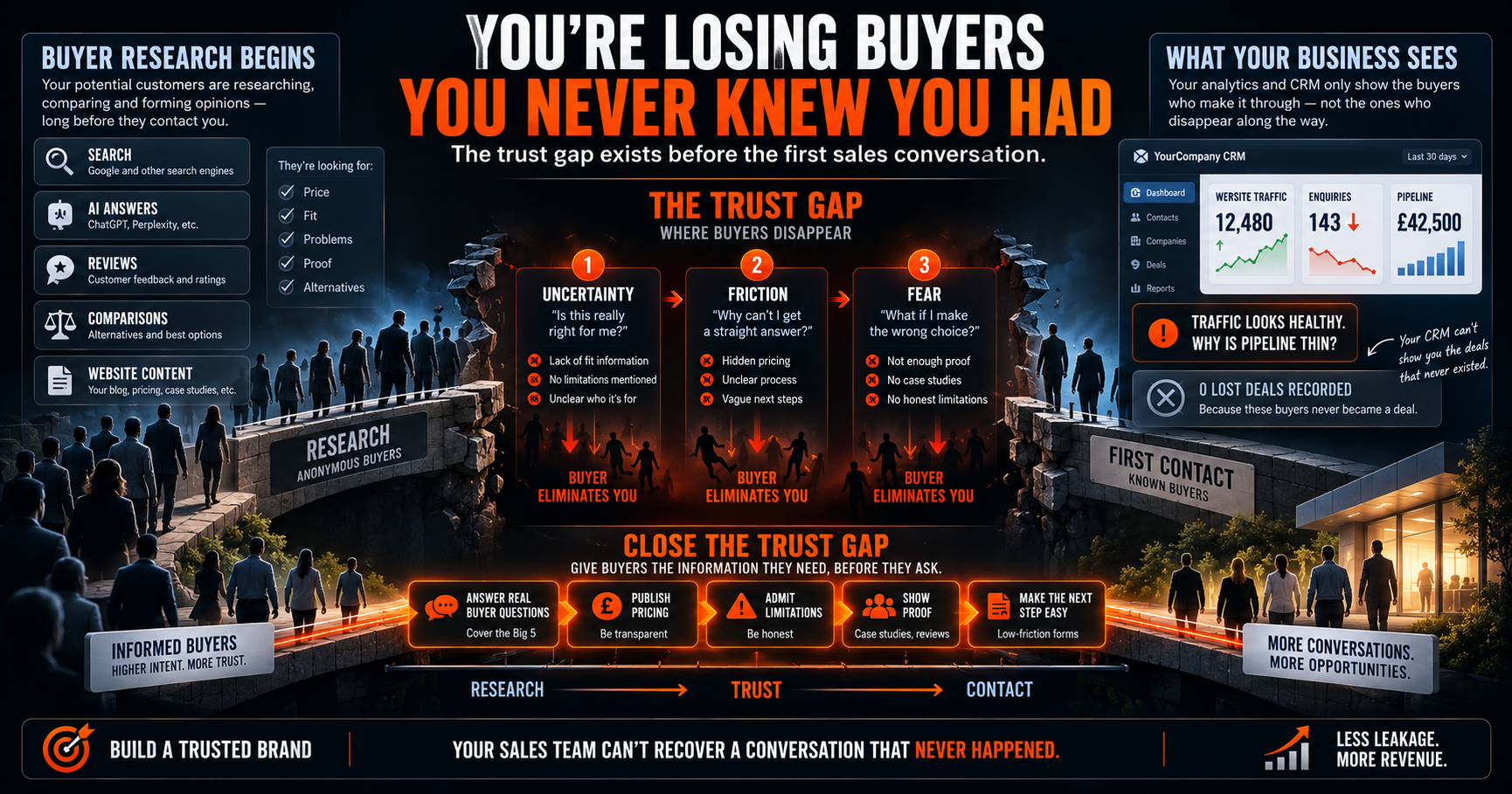
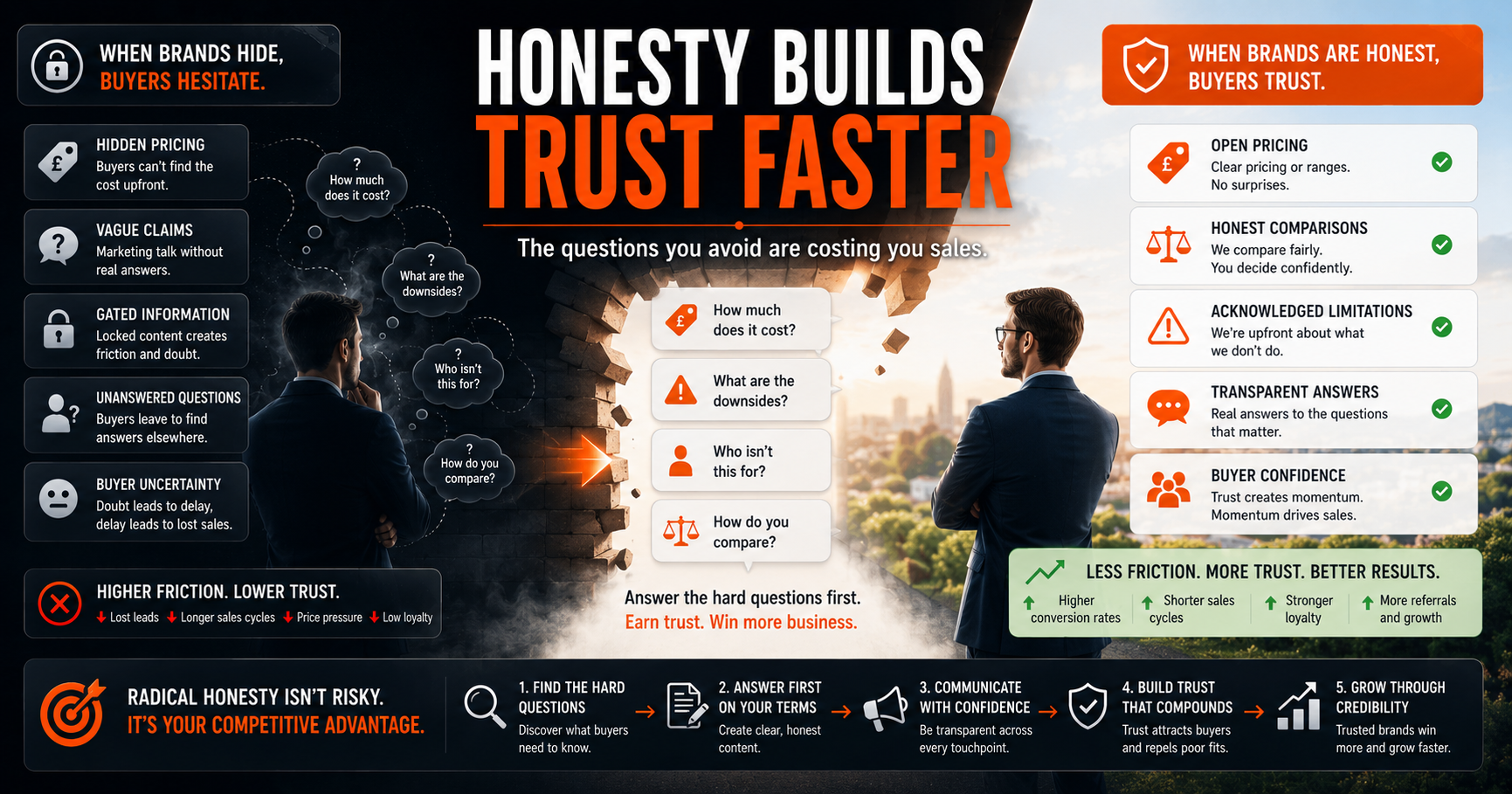
When everything is gated, buyers hit friction at the exact moment they are trying to research and build trust in you. That friction does not filter for quality. It filters out buyers who have enough options to go elsewhere.
The real cost of gating everything
When businesses gate every piece of content, they do not just lose visitors; they actively signal distrust to the very buyers they are trying to attract.
Four specific costs most businesses never account for:
- Lost trust: Buyers who cannot access your thinking before committing their email address cannot build genuine confidence in your expertise.
- Lower conversions: Simplifying a signup form to a single email field has been shown to increase conversions by up to 400%, according to data cited by MarketingSherpa. More fields means fewer leads, not better ones.
- AI invisibility: Content hidden behind forms cannot be indexed by search engines or read by AI platforms like ChatGPT or Perplexity. Your best thinking is generating zero reach in AI-driven search environments.
- Poor lead quality: People who fill in forms to access over-promised content become low-intent subscribers who rarely convert.
Related Reading: LLM-Optimised Content: How to Lead the AI Search Revolution
Gated vs. ungated content: when each approach makes sense
Gated and ungated content serve different stages of the buyer journey and should be deliberately chosen based on what you are asking visitors to give up in exchange for what you are offering.
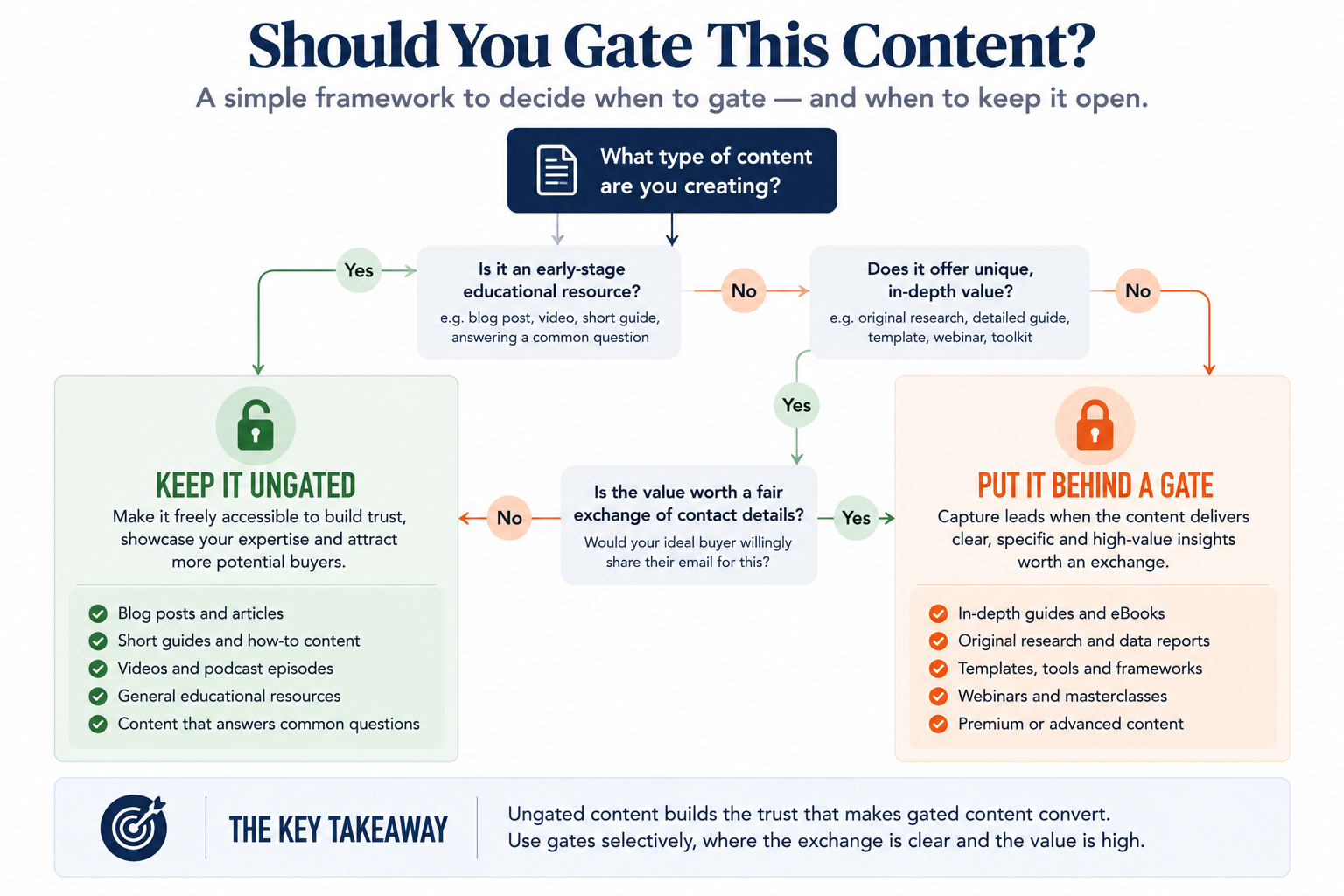
Ungated content builds the trust that makes gated content convert. Without it, a form is just a barrier, not a bridge.
The Goldilocks principle: how many form fields is too many?
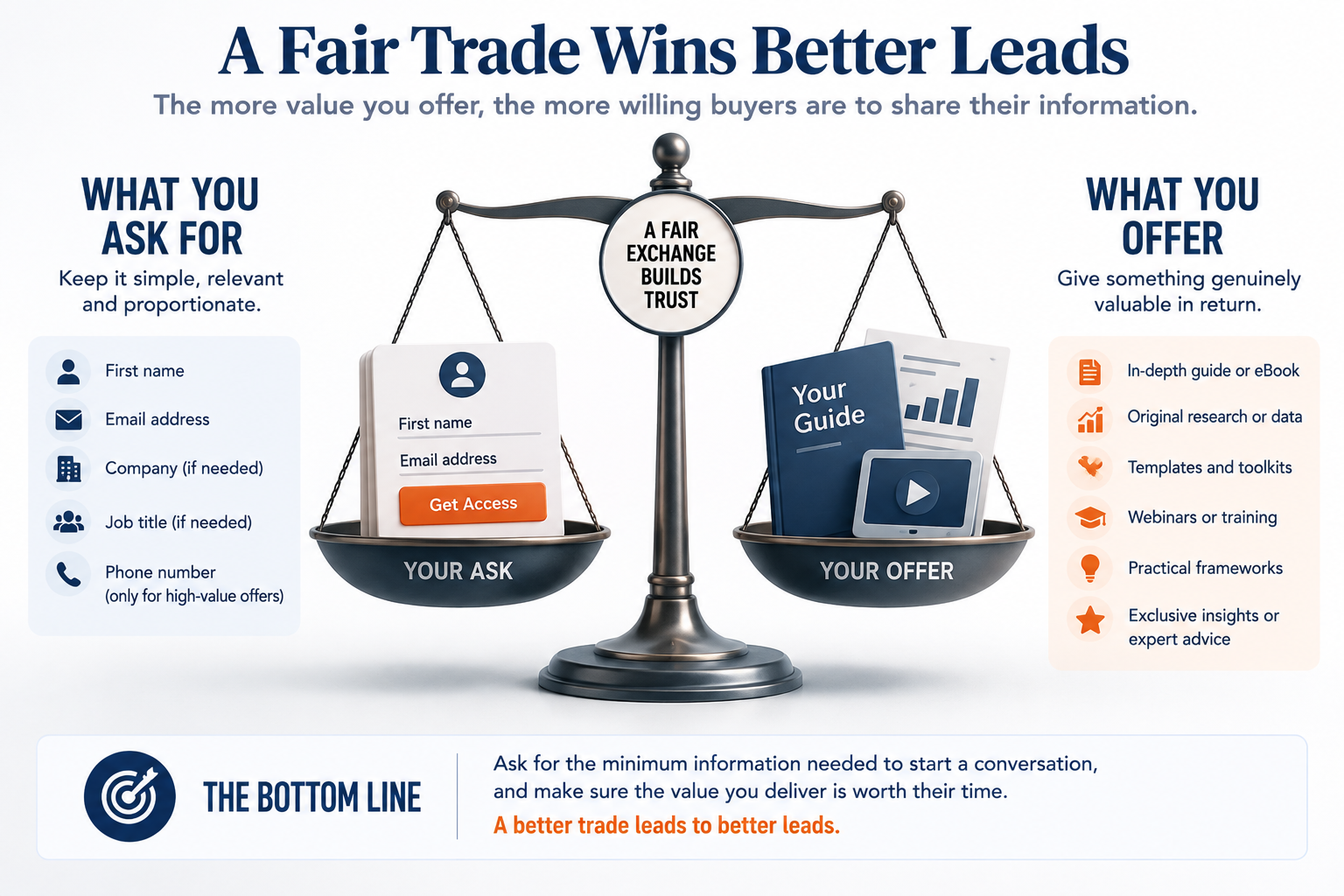
Every lead capture form is a trade — you are asking a stranger to give you their contact details in exchange for something you are promising will be worth it.
Most businesses focus entirely on what they want to receive, not what they are genuinely offering. Three levels to consider:
- Too little (email only): High volume, low qualification. Useful for broad list-building, not for identifying serious buyers.
- Too much (full contact details upfront): You lose even the genuinely interested prospects. Friction at this level repels the people you most want.
- Just right: First name and email as a starting point, with additional fields only when the value you are offering clearly justifies the extra ask.
The quality of your trade determines the quality of your leads:
- Bad trade: "Join our mailing list."
- Good trade: "Get our free guide to doubling your website traffic."
- Great trade: "Discover the exact blueprint we used to grow traffic from 0 to 500,000 monthly visitors — complete with templates."
As a rule, ask for the minimum information needed to start a meaningful conversation.
What makes the best lead magnets? Five criteria for smarter gating
The best lead magnets solve a specific, urgent problem so well that handing over an email address feels like an obvious and easy decision.
Before gating any piece of content, apply these five criteria:
- Specific promise: The offer addresses one named, concrete problem — not a vague topic area.
- Buyer pain relevance: The content maps to something your ideal buyer is actively trying to solve right now.
- Immediacy of value: They get something useful immediately, not eventually.
- Exclusive depth: The content goes further than what is freely available elsewhere online.
- Fair exchange signal: The level of information you are asking for matches the level of value you are delivering.
Grammarly's growth to nearly seven million daily active users illustrates this well; they let users experience genuine value before asking for anything, making the eventual sign-up feel natural rather than forced.
Related Reading: Education-Based Marketing: How to Build Trust and Authority Before You Sell
Three rules for smarter lead capture: a practical framework
Three rules consistently hold true across every lead capture approach that actually converts.
- Make it clear what people receive in return: Your call-to-action should describe the specific outcome, not say "Submit."
- Ask only for the minimum information needed to deliver value: Start with first name and email. Add fields only when your offer earns the extra friction.
- Follow up quickly and personally, even if it is automated: The first message after someone opts in defines the entire relationship. Generic means ignored.
Apply this three-question audit right now:
- Would you fill in your own main lead capture form as a first-time visitor?
- Does your automated follow-up feel like a person wrote it, or a process?
- Is your lead magnet something your ideal buyer genuinely wants, or something you want to give them?
If you improve your lead capture rate by just 10%, that improvement compounds through every stage of your customer journey. More subscribers become customers. More customers become advocates.
Related Reading: Why Your Blog Isn't Getting Leads (And How to Fix It)
How a Learning Hub earns leads without pushing buyers away
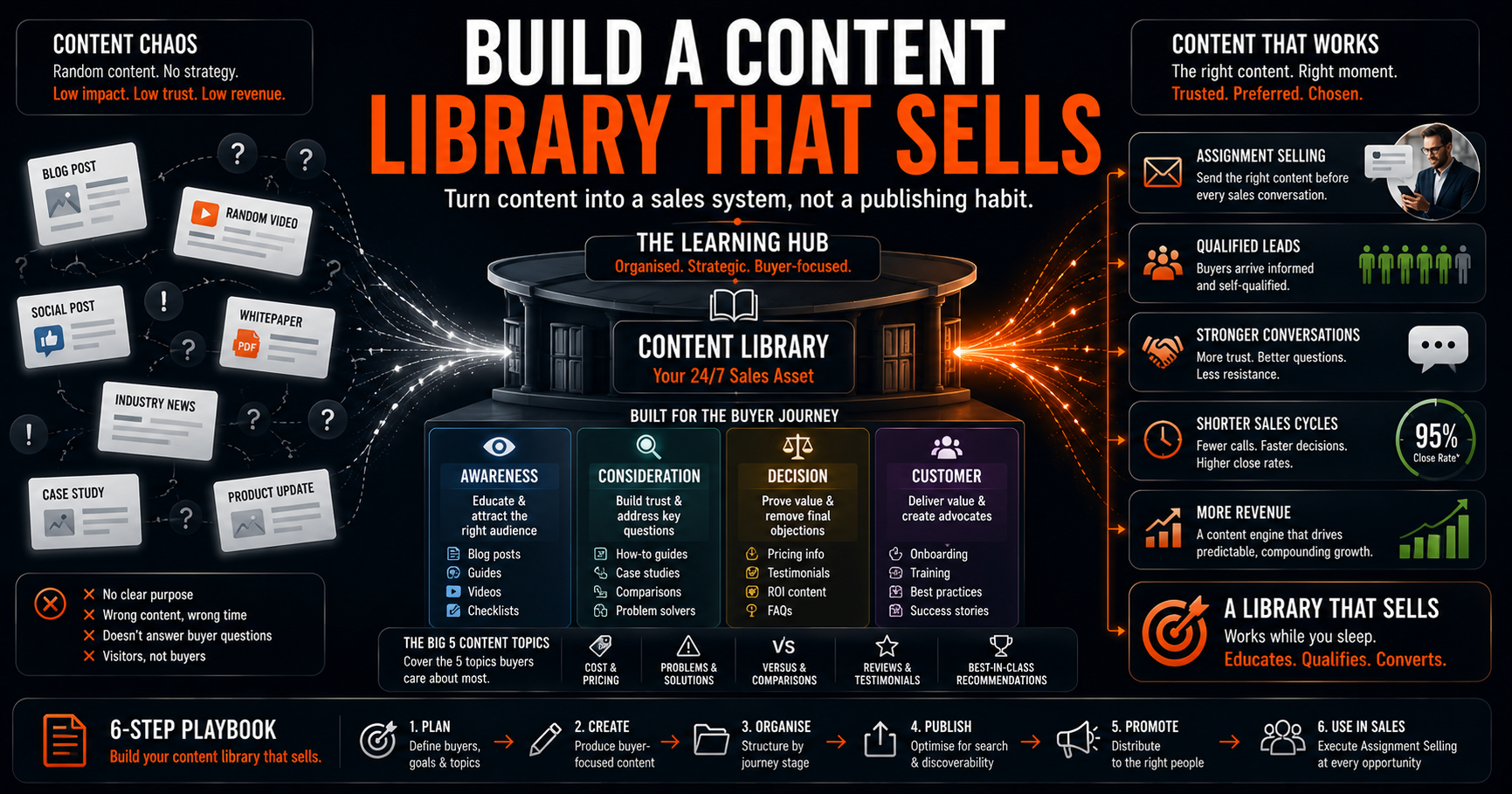
A Learning Hub is a central repository of valuable, freely accessible content that builds trust and positions your business as a go-to resource, with gated content reserved for moments where the exchange genuinely feels worthwhile.
It is not simply a gated content library. It combines ungated blog posts, videos, and short guides with selectively gated resources, each serving a different point in the buyer journey.
Five steps to build one:
- Complement your blog content: Create deeper downloadable resources that extend the value of your highest-performing posts.
- Diversify your formats: eBooks, checklists, templates, and webinars serve different buyer preferences at different stages.
- Organise around buyer outcomes: Structure your hub around what buyers are trying to achieve, not your product categories.
- Improve the browsing experience: Clear categorisation, search functionality, and related content suggestions keep buyers engaged longer.
- Let buyer conversations guide new content: Sales calls and customer interviews reveal what your audience actually needs, not what you assume they want.
When built correctly, a Learning Hub converts casual browsers into qualified subscribers over time — without ever needing to force the issue.
Related Reading: Building a Learning Hub That Converts: Complete Guide
Frequently asked questions about content gating and lead capture
Should I ungate all my content?
No. Content gating is not inherently wrong; the problem is gating everything indiscriminately. Removing all gates eliminates a useful lead capture mechanism. The goal is selective, deliberate gating where the exchange clearly makes sense.
What content should always be ungated?
Blog posts, short guides, podcast episodes, and any content designed to answer buyer questions during early-stage research. These build the trust that makes gated content convert when the time is right.
How do I increase form conversion rates without removing fields?
Rewrite your value proposition first; the offer drives conversion, not the form. Use a descriptive button label ("Get the free guide" instead of "Submit") and make the specific outcome visible before someone decides to opt in.
Is a Learning Hub the same as a gated content library?
No. A gated content library requires sign-in to access everything. A Learning Hub combines freely accessible content with selectively gated resources, designed to build trust first and capture leads at the right moment.
Conclusion
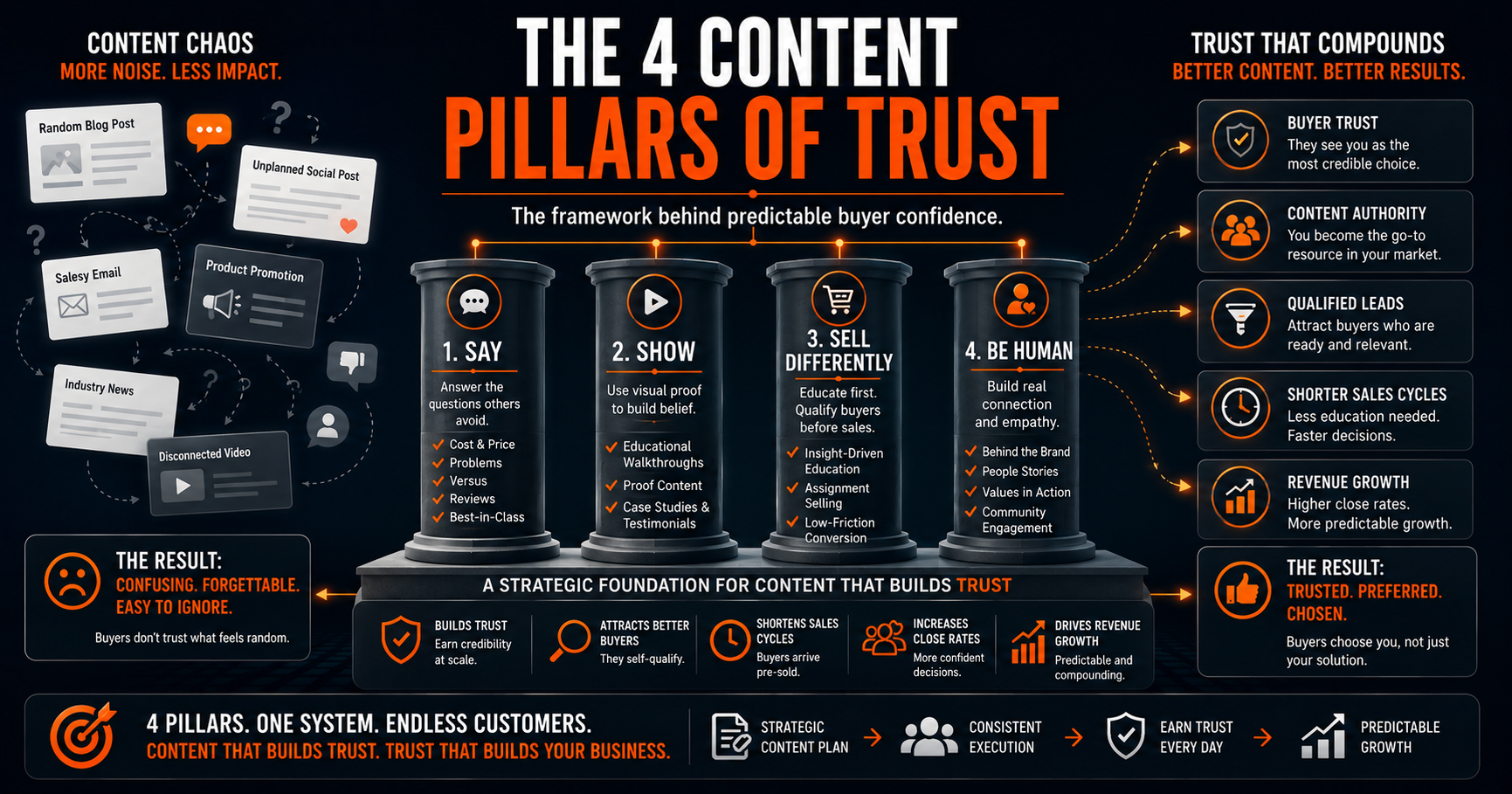
Many businesses start content marketing with the right idea: they create guides, reports, and webinars, and then gate all of it behind forms. The result, more often than not, is a list of low-intent subscribers and a qualified buyer pool that quietly found a competitor who was more willing to share their thinking upfront.
You now have a framework to change that. Audit what you are gating. Tighten what you are asking for. Build a content structure that earns leads rather than extracting them.
How to take action now
- Audit your existing gated content against the five criteria above and remove gates from anything that does not pass the fair exchange test.
- Redesign your highest-traffic forms using the Goldilocks principle: first name and email only to start.
- Rewrite your lead capture call-to-action to describe a specific outcome, not a generic prompt.
- Build at least one ungated content series that demonstrates your expertise before asking for anything in return.
- Review your post-opt-in follow-up sequence and confirm it reads as if a person wrote it.
Your next step is to read Building a Learning Hub That Converts: Complete Guide, so you can see exactly how to structure a hub that builds trust before it ever asks for an email address.

About the author
Tom Wardman is a trust-based marketing strategist, author of Build a Trusted Brand, and founder of the In-House Growth Engine™. He works with founder-led B2B businesses to replace fragile, outsourced marketing with structured growth systems their teams fully own and operate. His work is built around one principle: trust converts better than any tactic.
Pricing disclaimer: All GBP–USD price conversions are rounded estimates and correct at the time of publishing. Exchange rates fluctuate and figures should be treated as indicative only.
Topics: